Uprading multiple printers at once
Upgrades
Published: 21st May 2026
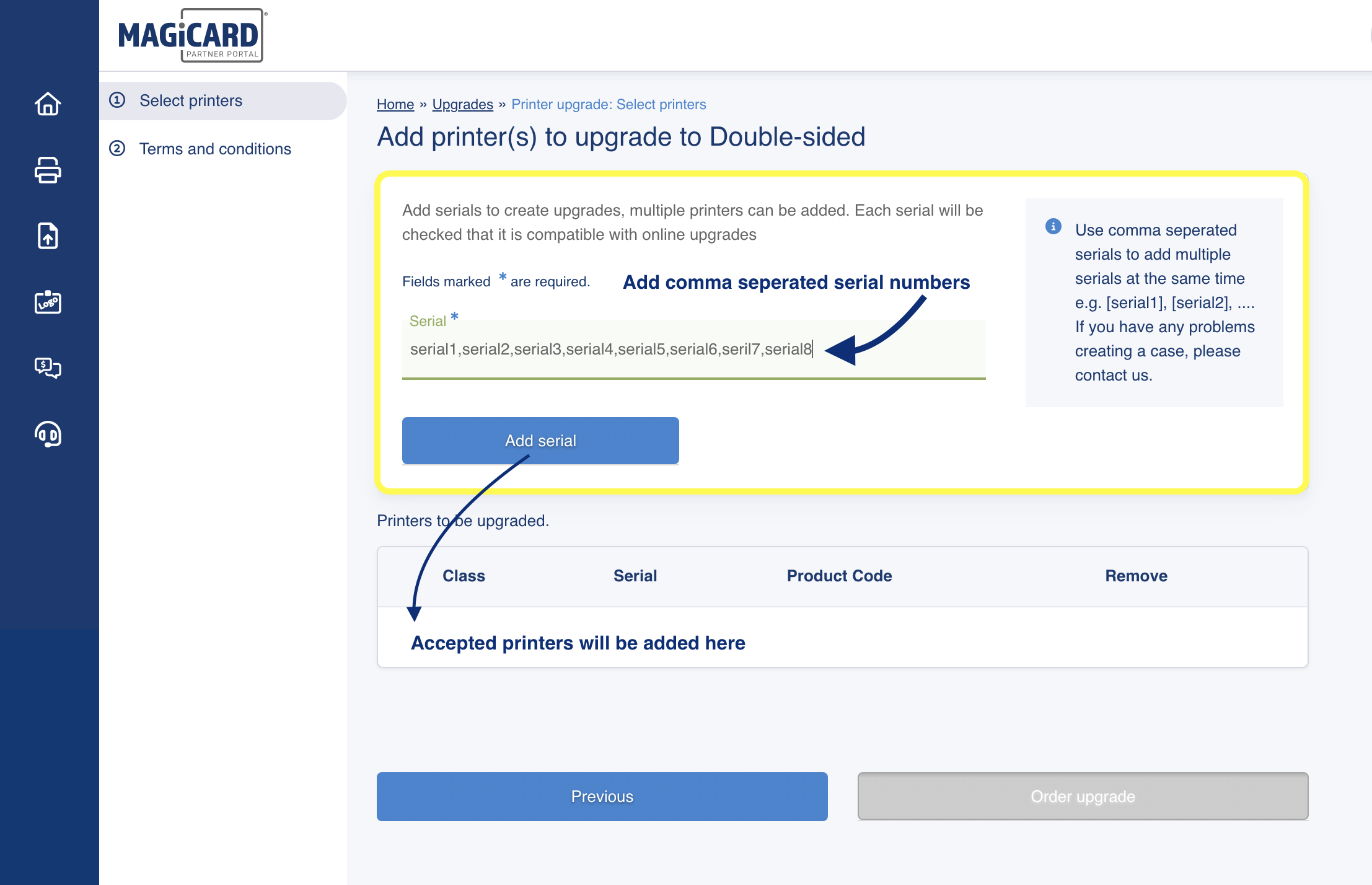
For all ‘Feature Keys’ (Custom HoloKote, Duo Upgrade, Smart Upgrade, 600dpi *D only)
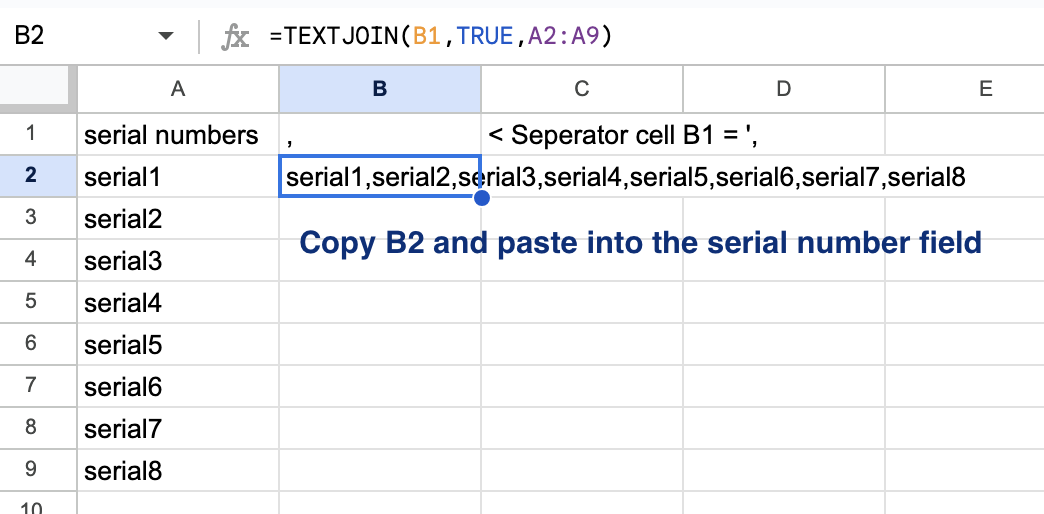
you can easily save time and submit All your serial numbers at once in one comma seperated string
serial1,serial2,serial3,serial4,serial5,serial6,serial7,serial8
ℹ️ scroll below for additional info an a quick way to generate your comma seperated list using .csv
Then click add serial button:
- The tool will check each serial is valid and allowed for the selected type of upgrade.
- Each accepted serial will be added to the Printers to be upgraded table below.
- Any unaccepted serial numbers will be flagged to you and will noty be added below.
(like a 600 submitted for 600dpi upgrade, or printer is already a duo and duo upgrade is attempted) - Finally, click Order upgrade.
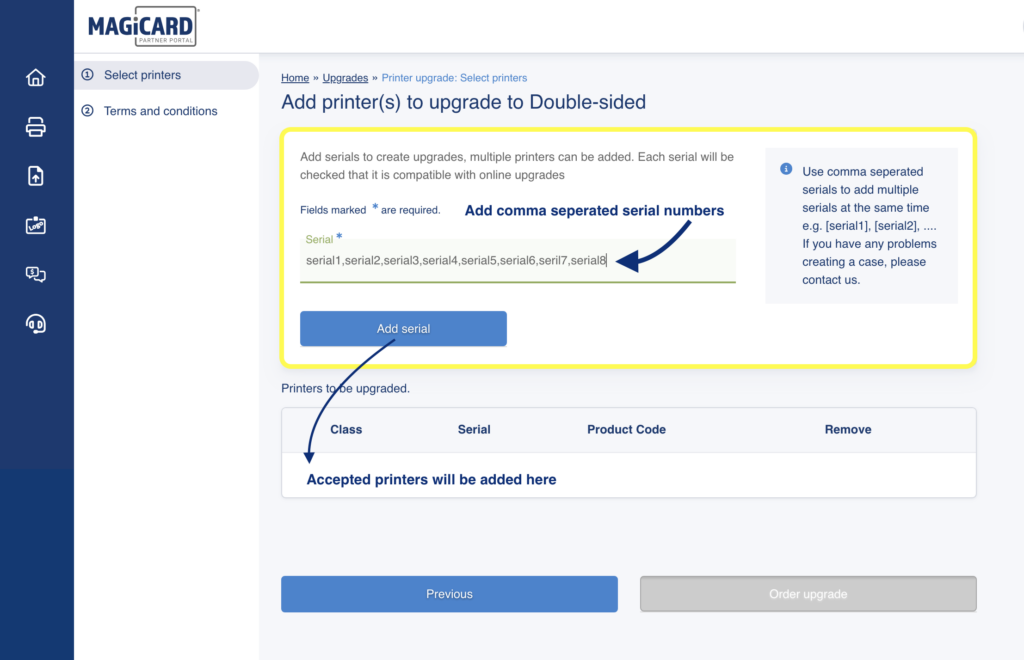
Each submitted serial will have a new feature Key record created directly in magicards system.
- You can now review all upgrades in the upgrades section, or in the serial numbers page > upgrades tab.
- Once the Feature Key Record is approved the Download Button will appear for you.
Files created and downloaded from the Magicard Partner Portal will be .upg
Installing .upg files | Dealer Tool
🤓 A quick way to generate your comma seperated list using .csv